WebP to JPEG Converter by TinyIMG

A free online tool to convert WebP to JPEG files in bulk
Shopify logo
Enjoy a free 3-day trial. Then start selling for 1$/month for your first 3 months.
Sign up now

Reasons to use WebP to JPEG image converter

Convert WebP images to JPEG in bulk

Convert WebP images to JPEG in bulk

Convert WebP images to the JPEG format in bulk – up to 10 files at a time. The JPEG format is a great alternative when you need maximum compatibility with older software.
Fast and easy to use

Fast and easy to use

Convert files online and in seconds without downloading any software. The TinyIMG converter lets you easily change the image format without technical knowledge.

100% secure & private

100% secure & private

The TinyIMG image converter prioritizes security, ensuring your data is always safe with advanced SSL encryption and a strict no-access policy.

TinyIMG logo

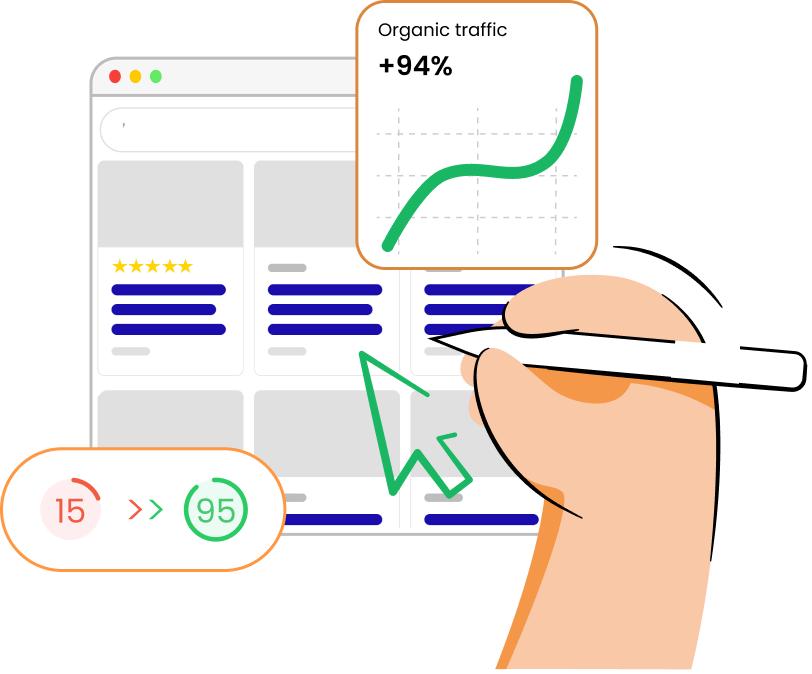
Automate image compression on Shopify for faster pages and more conversions

Install TinyIMG now
Optimize your store || TinyImg

What is a WebP file?

A WebP file is an open-source image format that was developed by Google. It utilizes both lossless and lossy compression to produce smaller, yet richer, images for the web. Compared to JPEG or PNG formats, it helps improve page loading times and even supports transparency. WebP is currently supported on most browsers, including Chrome, Firefox, Edge, Safari, and Opera. You can also import or export it into programs such as Microsoft Paint, Blender, Adobe Photoshop, GIMP, and others.

What is a JPEG file?

A JPEG file is an image format that's designed for complex images and efficient compression. It uses lossy compression, meaning the file size is reduced by removing some image data, which keeps the quality loss to a minimum. JPEG is one of the most widely used image formats to this day and is supported on all modern browsers or image editing software.

How to convert WebP to JPEG?

  1. Click the "Upload files" button or drag and drop up to 10 files.
  2. Wait for the files to convert.
  3. Click the download button by each file or press "Download all."

Related articles

Shopify Speed Optimization: 10 Practical Tips

Shopify Speed Optimization: 10 Practical Tips

Find out how to speed up your Shopify store with our 10 practical tips. Learn how page speed affects your business and how to test your store’s performance.
Nov 29, 2024 · 10 min read
WebP Images and How They Work on Shopify Stores

WebP Images and How They Work on Shopify Stores

WebP images make your website faster while keeping your images high quality. Learn what WebP images are and how they work on your Shopify store.
Apr 14, 2025 · 10 min read
Shopify Image Optimization in 9 Steps

Shopify Image Optimization in 9 Steps

Learn the best Shopify image optimization steps to optimize the user experience, boost website performance, and gain more organic traffic by enhancing SEO.
Apr 23, 2025 · 10 min read