
Enter your page URL to analyze all image alt tags and improve them for better accessibility and SEO.

Poor or missing image alt texts can negatively affect your image SEO and your website’s accessibility. For example, without an image alt text, search engines can’t understand its context, reducing the visibility in image search results. Alternatively, if it’s not concise or informative, it can also get misunderstood by search engines.
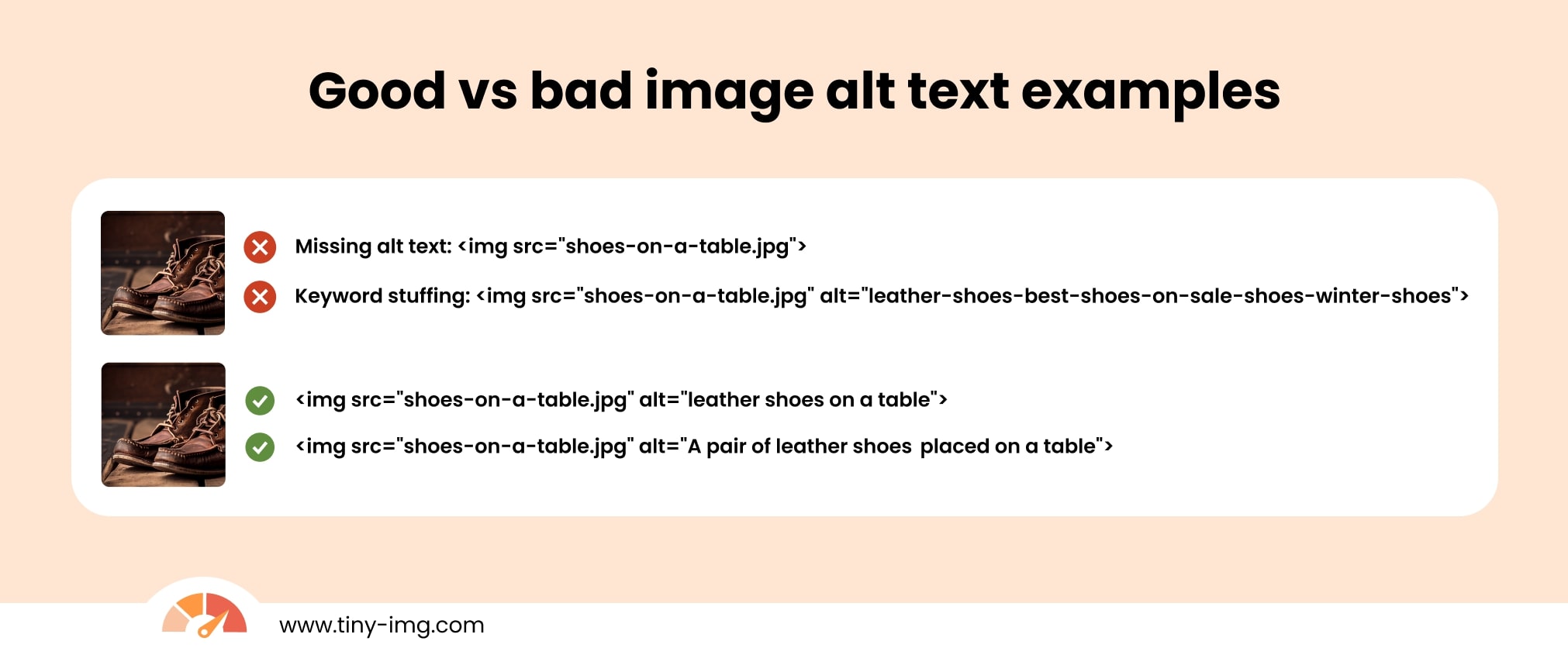
With our free image alt text checker, you can scan your webpage and evaluate the alternative texts associated with your images. It identifies missing image descriptions, flags those that are too long, and provides actionable recommendations on how to improve your alt texts.
Image alt text (also known as alternative image text or image alt tag) is a short description of an image’s content. It can be located as a placeholder when an image fails to load or through the Inspect element on your browser. It looks something like this:
An alt tag helps search engines understand the content of your image, helping improve image SEO. Images that rank high in image search can even lead to more traffic or backlinks.
Alt texts also help visually impaired users to understand the context of an image through their screen readers, making your website more accessible.
We recommend adding alt texts to images that you’d want to rank in image search – decorative images don’t need alt texts. Here are the best practices to follow:
<img src="example.jpg" alt="A red hat on a table">