

Built for Shopify
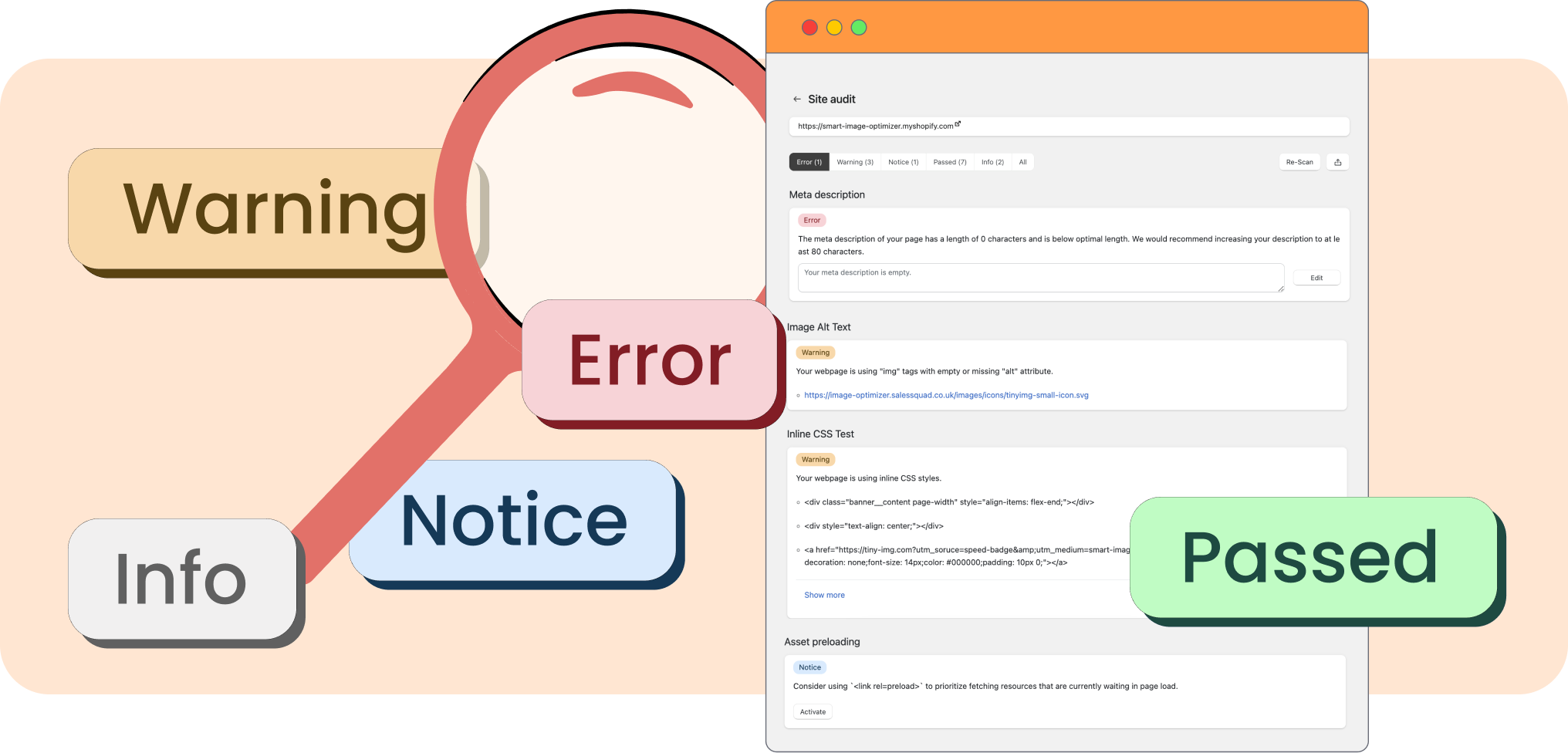
The TinySEO site audit feature gives you an in-depth report about the on-page and technical SEO issues present on your website. You can check specific issues site-wide or review individual page audits.
The TinySEO audit ensures you don’t miss SEO optimization opportunities across your site that could hold you back from greater search engine visibility. The audit checks everything from SEO metadata and URL handles to canonical tags or page indexing.
1. Open TinySEO.
2. Go to Site audit and click Start audit.
3. Once the audit is complete, click “Needs attention” to show only checks with issues found.
4. Click the issue you want to review to see which pages are affected.
5. To view individual pages, press More actions > View all pages and open the page you want.
You can download the results of the site audit by going to More actions > Download PDF if you want to share it with a team member or prefer to review it offline.

Built for Shopify


