

Built for Shopify
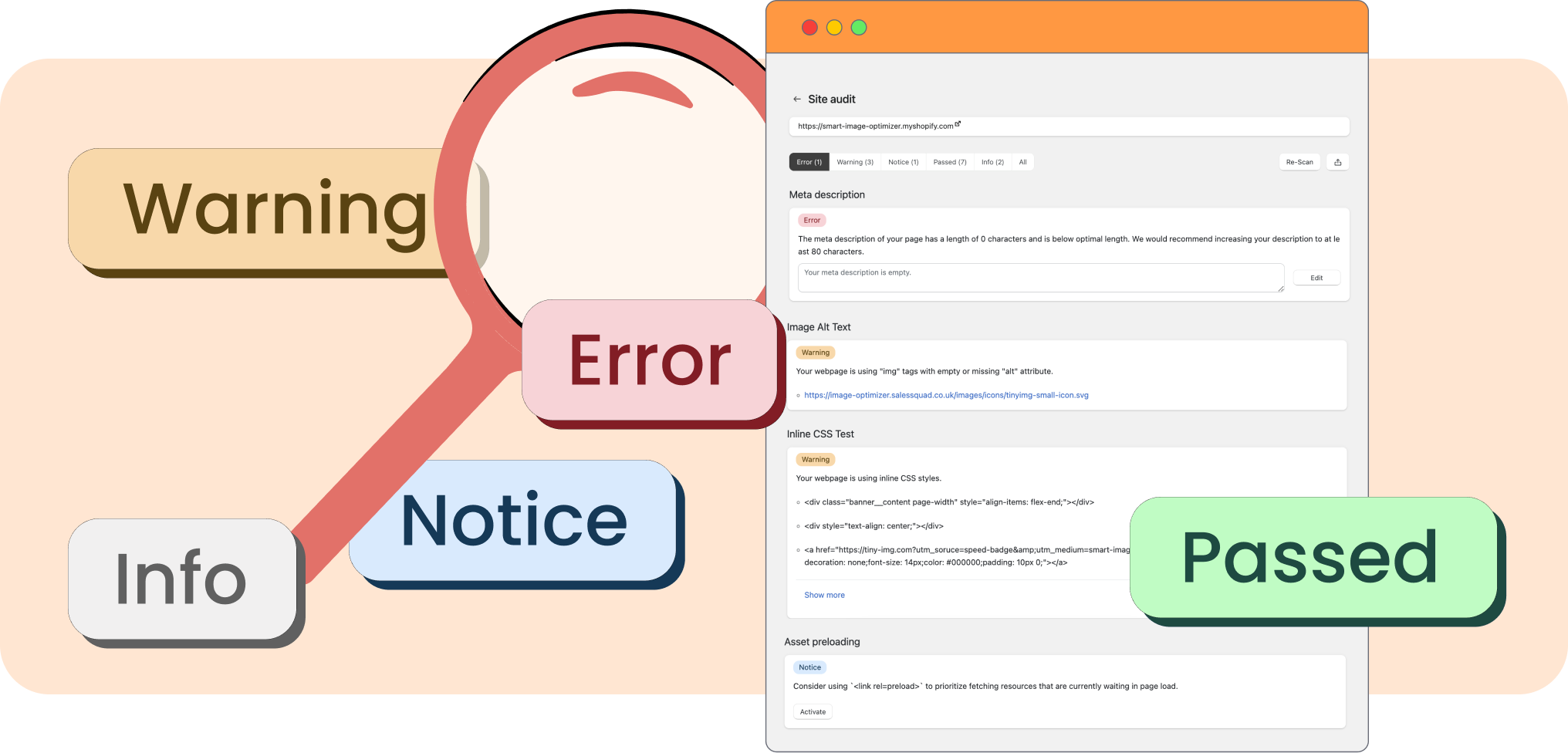
A site audit is an in-depth report about different pages of a website that examines its performance and technical issues, providing comprehensive insights. On TinyIMG, you can get reports for any of your pages, from critical issues to warnings.
TinyIMG site audits ensure that you don’t overlook any issues on your site that could potentially be holding you back from effective SEO results or creating a great user experience.
1. Open TinyIMG.
2. Go to Site audit and click Generate. Once the report is created, click View report.
You can hover the mouse over the error and click the “Learn how to fix it” button to find out how to get rid of errors effectively. Start by reviewing the critical errors on your page and only then move on to warnings or notices.

Built for Shopify


