

Built for Shopify
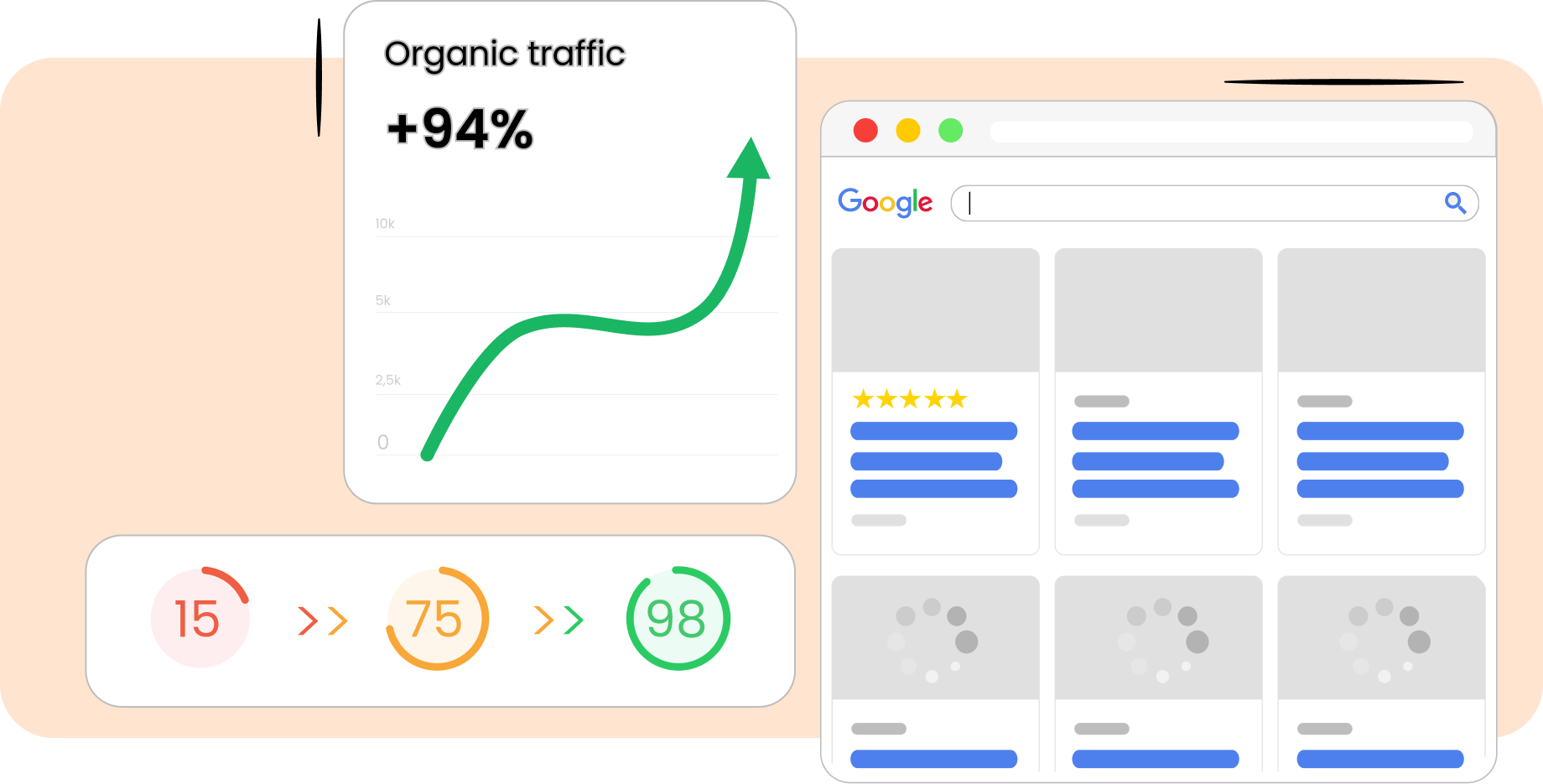
Image compression is the process of minimizing the image size in bytes without significantly deteriorating the quality. There are two compression types – lossless, which reduces the image without visible effect on the quality, and lossy, which permanently removes some image data.
Image compression optimizes data storage, meaning the files become smaller. So, the browser needs less time to fetch and render images. This minimizes bandwidth usage, improving the page load time.
1. Open TinySEO.
2. Go to the Optimize images section.
3. Click Start now for compression to begin.
TinySEO also lets you enable automatic image compression that starts as soon as images are detected. Just go to the TinySEO Settings > Overview, click “Activate” to enable the feature.

Built for Shopify


